
Suunto Compatibility
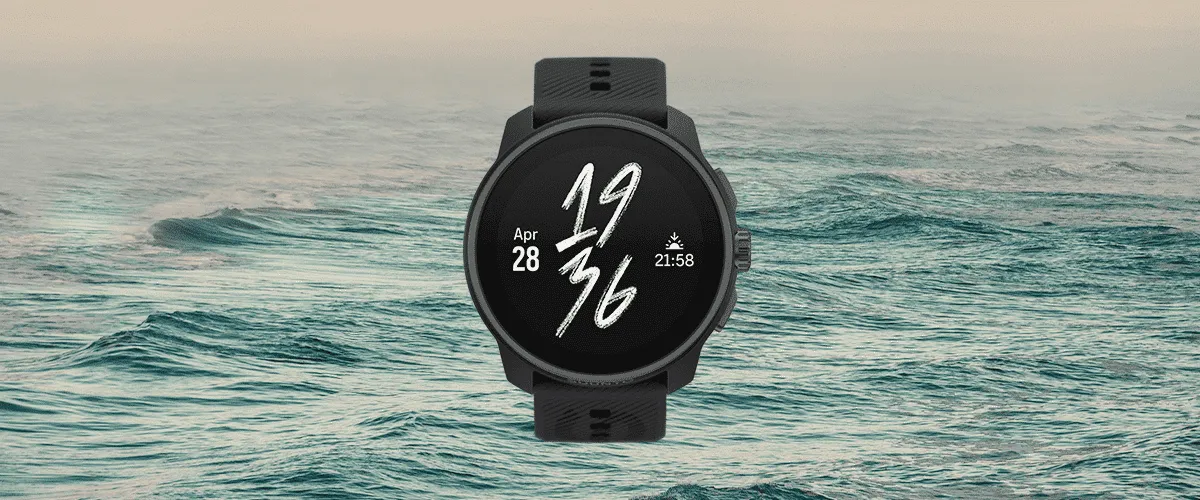
The OpenSwim app is now compatible with Suunto smartwatches ! As for Garmin smartwatches, on some Suunto watches you can read a workout on your watch.
Please note that at Suunto, this feature is available only for certain watch models. Indeed, only the ones with the SuuntoPlus feature have it. So be sure to check whether your watch has SuuntoPlus or not! Also, at Suunto, workouts are not called workouts but guides.
At OpenSwim, we cannot guarantee that your watch is compatible and supports this feature. Please visit the Suunto website to find out more about SuuntoPlus.
Send a workout on your watch
Let’s get into it, how to send a workout on your watch?
Log in to your Suunto account
My account > Connected devices > Suunto; to log in your Suunto account to the app
Pick a workout
Find the workout you want to send to your watch
Send this workout
On the workout page, click the icon ⌚️ in the bottom right-hand corner of your screen to transfer the workout. Once it is done, a successful message will be displayed.
Receive it on your Suunto app
After sending it from the OpenSwim app, a success message tells you it is in your Suunto app. To see it, open your app > click on the watch icon at top left > then open “My SuuntoPlus guides”.
The workouts list available on the app is displayed.
Sync your watch
Open the workout of your choice. Toggle on the “Transfer to watch” option, then go back 2 pages to start a new synchronization of your watch.
On the ‘My SuuntoPlus guides’ page, check that the selected workout is inside the ‘Synchronized with watch’ section.
Swim
You are ready to swim! Head for the pool.
Start the guide
At the pool, start a swimming activity. Before starting it, you need to go down the options, click “SuuntoPlus” and activate this workout at the bottom of the page.
Then start your swimming activity. The workout will start at the same time.
Please note: sending a workout to your Suunto watch has limits. We have limitation regarding the information we send for each set. As a result, descriptions and accessories could be cut.